

Dynamics 365 CRM Consulting for Tampa Bay Teams Where Every Customer Has More Than One Decision Maker
Most Dynamics 365 CRM rollouts in Tampa Bay stop at one contact per customer. Then a co-broker, a family, a board, or a funder ends up in a notes field. We implement Dynamics 365 CRM end to end, delivered remotely from our Miami office or on site in Tampa Bay by arrangement, then build the automation and reporting layer that makes it the system people actually use.
What Is Dynamics 365 CRM Consulting?
Dynamics 365 CRM consulting is the work of implementing, configuring, and integrating Microsoft's Sales, Customer Service, and Field Service applications so a team runs its deal cycle, support queue, and field operations inside one system, not a spreadsheet next to it. Sunflower Lab handles the full cycle: data migration, configuration, Power Platform automation, and the Copilot layer that decides whether the CRM gets used daily or ignored. For Tampa Bay companies, that usually means a customer who is really a group: co-brokers on one deal, a family choosing a community, an association board, or a funder with reporting dates.
Tampa Bay Teams Sell to Committees, Then Track Them in a Notes Field
A license is not an implementation. We see the same three failures across Tampa Bay Dynamics 365 CRM environments:
Shared deals live in a spreadsheet
Two people close the deal, and the credit split gets worked out later in Excel, so the pipeline report and the production report never match.
The decision makers are one line of notes
A daughter calls, a son pays, a board votes, and a funder wants a report. The CRM holds one contact and the rest is typed into a comment.
Customers still call to ask what happens next
Appointment times, request status, and how a visit went all run through the phone, because customers cannot book, see, or answer anything on their own.
If that sounds familiar, the software is rarely the cause. The implementation stopped at the standard forms.
Full-Cycle Dynamics 365 CRM Implementation
We don't bolt automation onto someone else's rushed rollout. We implement Dynamics 365 CRM from requirements through adoption, across Sales, Customer Service, and Field Service.
Getting the Data and Process Right
Before automation or reporting means anything, the underlying data and process need to hold up. We work on:
- Module and licensing strategy: which of Sales, Customer Service, and Field Service your team needs, and which outside users, such as association board members, can use a portal instead of a paid seat
- Data model design and migration from a legacy CRM, spreadsheets, or another platform
- Account and contact structure for groups: connection roles (labels such as decision maker or financial contact) so a family, board, or buying committee sits on one record instead of in duplicate contacts
- A deal credit table for shared deals, with split percentages that must total 100 before a deal can close
- Business process flows, forms, and views configured around how your team actually sells and services
- Security roles and business units set up so the right people see the right records, nothing more
- Server-side sync for email and calendar so activity logs itself instead of relying on reps to type notes
Making the CRM Something People Actually Use
Once the foundation is solid, the CRM can start doing work on its own. We build:
- Power Automate workflows for lead routing, case escalation, and approval chains
- Power Automate schedules that create report tasks after a grant is won and send reminders before each due date
- Power Pages portals scoped so each board or client sees only its own records
- An online booking page tied to staff calendars, and a short survey after each job that alerts a manager the same day when the score is low
- Power BI dashboards for pipeline, service SLAs, and field technician utilization
- Power Apps for the exception workflows Dynamics 365's standard screens don't cover
- Copilot configuration for AI-assisted case summaries, email drafting, and next-best-action
- Integration with Microsoft 365 and, where relevant, Business Central or Finance and Operations
Running Sales and Marketing together and need the lead-scoring and handoff story specifically?
See Dynamics 365 Sales & Marketing in Tampa Bay →Dynamics 365 CRM for Tampa Bay Teams With More Than One Decision Maker
Six kinds of Tampa Bay businesses where a deal, a household, a board, or a funder involves more than one person, and how each one is set up.
Commercial real estate brokerages and tenant representation firms in Westshore and downtown Tampa
Brokers pair up on listings and tenant searches, and a lease expiration date is the best reason to call a prospect. Sales holds each deal with both brokers on the team and a credit table that records each broker's share, so Power BI can report production by broker. Lease expiration dates become call lists a set number of months out. Commission payment and trust accounting stay in your accounting system.
Family service, arts, and youth nonprofits in Tampa, St. Petersburg, and Clearwater
A grant is not finished when it is won. Reports come due on fixed dates, and the money is limited to certain programs. Sales tracks each funder request as an opportunity with the program officer, the amount, and the restriction. When one is won, a Power Automate flow creates the report tasks from a template and assigns each to a staff member. Spending and donor receipts stay in your accounting and fundraising systems.
Senior living communities and placement advisors in Pinellas and Pasco counties
A call about one future resident often involves a daughter who calls, a son who pays, and a parent who decides. Sales keeps one opportunity for the prospective resident and attaches each family member as a connection with a role. Tours, waitlist position by apartment type, and target move in dates sit on the same record. Care assessments and medical details stay in your care records system.
Community association management firms in Pasco, Hillsborough, and Pinellas counties
One manager may serve dozens of associations, and each board wants to know what is open in its own community. Customer Service turns each homeowner or board request into a case tied to the community, Field Service sends a vendor with a completion form and photos, and a Power Pages portal lets each board see only its own requests. Assessments and ledgers stay in the association accounting system.
Pool cage, screen enclosure, and outdoor living contractors in Lutz, Oldsmar, and Seffner
Every job starts with an estimate visit, and phone tag over the appointment time sends leads to the contractor who answered first. Customers pick an estimate window on a booking page, Power Automate checks estimator availability and creates the appointment, and Field Service books the install crew after the quote is signed. Permit work and material orders stay in your job management system.
Mobile boat repair, detailing, and marine canvas companies in Apollo Beach, Ruskin, and St. Petersburg
Boat owners judge a visit the day it happens, and a bad one often shows up first as a public review. Each boat is a customer asset with its hull number and slip or storage rack, Field Service dispatches the technician, and a short survey goes out when the work order closes. A low score opens a case for the manager the same day, and Power BI shows scores by technician and job type.
What This Looks Like in Practice
Both projects were delivered for clients outside Tampa Bay. The same pattern applies to Tampa Bay teams running Dynamics 365 CRM.
Cold Storage & Logistics: From Weekly Excel Exports to Real-Time KPIs
Core X Partners runs cold storage and logistics across multiple warehouses. Dynamics 365 was already their system of record, but the team was still updating operational metrics in Excel every week. We built the integration layer connecting Dynamics 365, their warehouse management system, and their CRM data directly into Power BI. Result: 16 warehouses reporting in real time, 3 systems unified into one dashboard, zero manual weekly Excel exports left.
View Case Study
Inspections From 15 Minutes to Seconds
Dominion Engineering's product inspections took 15 minutes each, with data scattered across disconnected systems. We connected SharePoint and Dynamics 365 through Power Automate, auto-generating inspection tickets and Teams alerts on every receipt trigger. Result: inspection time cut to seconds, 10-15 hours saved weekly, and 60 hours saved monthly in receivables.
View Case Study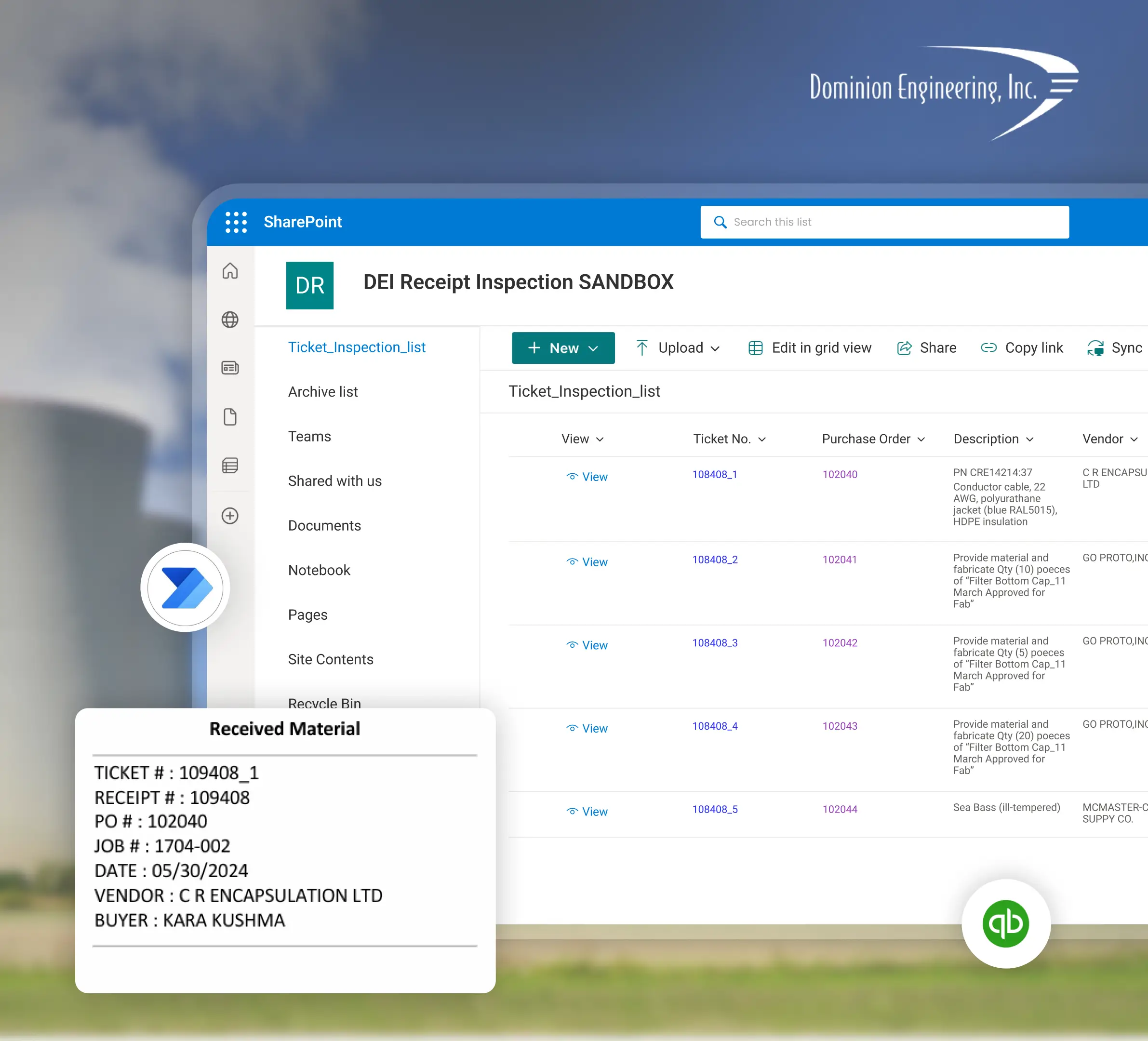
Planning a Dynamics 365 CRM Implementation with Sunflower Lab
Discovery & CRM Audit
We map your current sales and service process, data quality, and where reps are working around the system. The first session runs by video, or on site in Tampa Bay by arrangement, with any travel for go-live scoped up front.
Data & Process Design
Migration plan, data model, and automation scope, with a fixed-price roadmap before any build starts.
Build & Migrate
Configuration, data migration, and automation built in focused sprints.
Adopt & Scale
Training, adoption support, and ongoing tuning as usage and the Copilot layer grow.
Frequently Asked Questions
Talk to our Dynamics 365 CRM experts
Free 30-minute discovery call. We'll audit your current CRM setup, estimate migration scope, and map out the automation layer.

