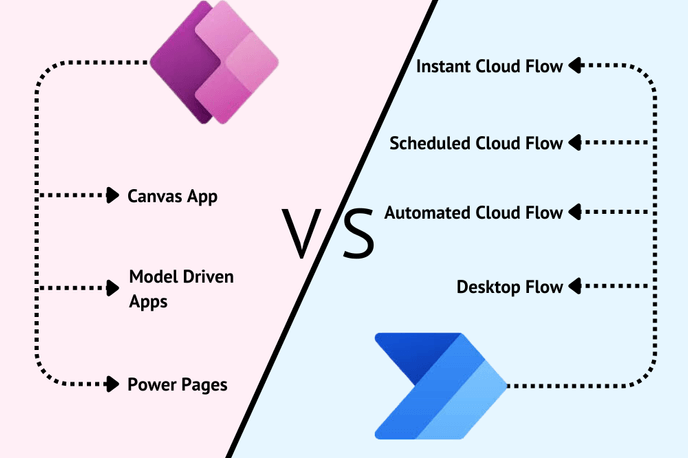


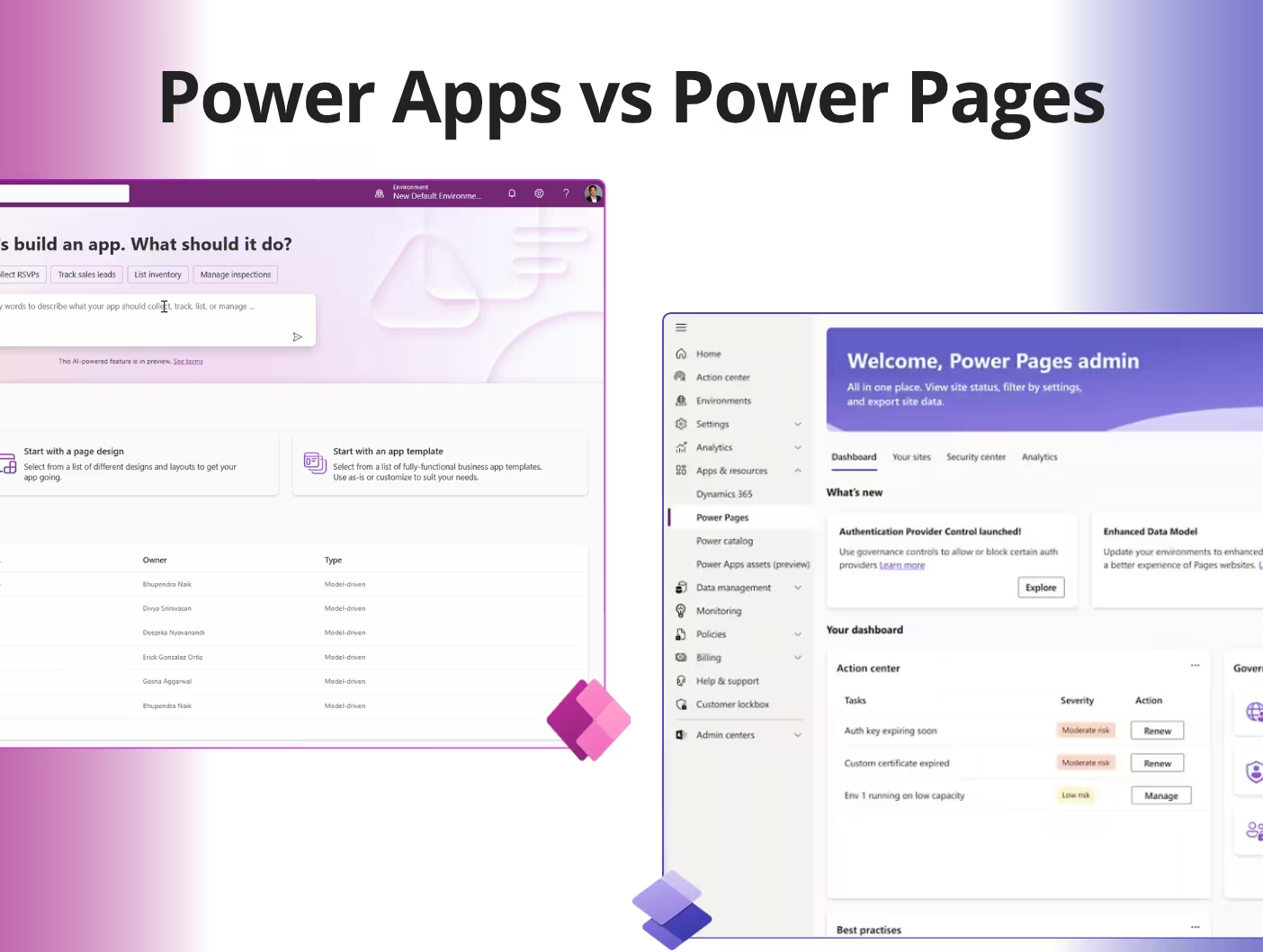
Most internal business tools are, underneath the branding, a secure form, a list view, an approval step, and a report. Power Apps builds that. So does Power Pages, often for a fraction of the licensing cost. The two get compared constantly on features. They rarely get compared on what they actually cost once you scale past a handful of users, and that’s the comparison that decides your budget.
The Quick Answer
| Power Apps | Power Pages | |
|---|---|---|
| Built for | Internal, authenticated staff | Internal or external, browser-based |
| Access | Web, mobile app, tablet | Any browser, no install |
| Data sources | Dataverse + 1,400+ connectors, SharePoint, SQL, Excel | Dataverse only |
| Offline use | Yes | No |
| Pricing model | Per user or per app | Per site, by user capacity |
| Typical entry cost | $20/user/month (Premium) | $200 per 100 users/month |
| 2026 update | Entry-level per-app plan retired for new customers | Now sold as a standalone product |
If you want the reasoning behind that last row, keep reading. It’s the part most comparisons skip, and it’s the part that changes what you should buy.
Here's what's different now
We wrote about Power Apps and Power Pages back in 2024, when the bigger question was still “which one am I even supposed to use” — Power Pages had only just finished absorbing Power Apps Portals, and most teams were confused about whether the products were the same thing. That confusion is mostly gone. What’s changed since is the money.
In January 2026, Microsoft retired the entry-level Power Apps per-app subscription for new customers, the plan that let you license a single app for $5 a user instead of buying full Premium access. What’s left is Premium at $20/user/month, or a pay-as-you-go meter at $10 per active user per app. Neither is the cheap on-ramp that plan used to be. Around the same time, Power Pages became a fully standalone product, no longer bundled into Power Apps licensing, with Microsoft’s own documentation now describing it as a legitimate route for internal tools like HR request portals, not just customer-facing sites. Put those two changes together, and the licensing gap between the two products got wider, not narrower.
Four Ways to License These Tools
| Plan | Price | Billed | Best For |
|---|---|---|---|
| Power Apps Premium | $20/user/month | Per named user, unlimited apps | Several internal tools per person |
| Power Apps pay-as-you-go | $10/active user/app/month | Per app, per active user, via Azure | Single app, light or unpredictable use |
| Power Pages authenticated capacity | $200/mo per 100-user pack | Per site, prepaid | Known internal or external user base |
| Power Pages authenticated PAYG | $4/active user/site/month | Per site, only active sign-ins billed | Small or seasonal user counts |
Anonymous, no-login Power Pages sites price separately: $75 per 500 visits/month, or $0.30 pay-as-you-go.
Run the numbers on 100 users and the gap is hard to miss. Power Apps Premium runs $2,000 a month. One Power Pages capacity pack covers the same 100 people for $200. As a rule of thumb: under roughly 50 users, pay-as-you-go is usually cheaper; over 50, capacity packs win.
What you can actually build in Power Pages
People assume “simple website” and stop there. In practice, a standard Power Pages site covers most of what a line-of-business team asks for:
- Data entry forms: single or multi-step, bound directly to Dataverse
- Record lists and queues: search, sort, filter, export to Excel
- Role-based security: web roles and table permissions control who sees what
- Validation: client-side JavaScript plus Dataverse business rules
- Approvals and notifications: triggered through Power Automate flows
- Dashboards: embedded Power BI reports
- File attachments: notes, file columns, or Azure Blob Storage
- Enterprise authentication: Entra ID for staff, Entra External ID, SAML, or OpenID Connect for partners and customers
For a “submit a request, route it for approval, track status, report on it” process, which covers a large share of what gets built as an internal app, there’s no functional gap.
Where Power Pages wins
- Cost at scale. $200 covers 100 users. Power Apps Premium for the same 100 costs $2,000/month.
- Pay for activity, not headcount. On pay-as-you-go, only users who sign in that month get billed.
- Generous storage included. Each capacity pack adds 2 GB database and 16 GB file storage to your tenant.
- Existing licenses don’t count against you. Users already holding Power Apps Premium or Dynamics 365 Enterprise aren’t counted against Power Pages capacity.
- No base license required. Power Pages can be purchased on its own.
- One platform, two audiences. Staff and external users can work off the same site with different roles.
- Zero client footprint. Any browser, any device, no install, no device management policy.
- Security included at no extra cost. A managed web application firewall and CDN come with the license.
Where Power Apps is still the right call
Being straight about this builds trust, and it pre-qualifies the leads worth having.
- Offline work is required. Power Pages is web-only, no offline sync. This is a hard stop, not a workaround.
- You need native mobile or device hardware, camera, GPS, barcode scanning.
- Your data lives outside Dataverse. Direct binding to SharePoint, SQL, or Excel is a Power Apps strength.
- You need Dataverse security roles, business units, or hierarchy security. Power Pages users are contact records, so that model doesn’t apply; access is rebuilt through web roles instead.
- Model-driven features are core to the build, business process flows, native dashboards, command bar.
We’ve built on both sides of this line. On the Power Apps side, we replaced a manufacturing client’s fragmented Excel-based shift reporting with a centralized Power Apps system that saved them 1,200 hours a year and eliminated the reporting errors that came with it. Different problem than a licensing decision, same platform.
Worked example: a customer credit request portal
The brief: 20 accounting staff submit and approve customer credit requests. Data lives in Dataverse. Multi-stage approval with email notification, management reporting, browser access only, no mobile app, no offline requirement. All 20 authenticate through Microsoft Entra ID.
| Option | Monthly | Annual | 3-Year |
|---|---|---|---|
| Power Apps Premium × 20 | $400 | $4,800 | $14,400 |
| Power Apps pay-as-you-go × 20 | $200 | $2,400 | $7,200 |
| Power Pages pay-as-you-go × 20 | $80 | $960 | $2,880 |
Savings vs. Premium: $320/month — $11,520 over three years, an 80% reduction.
Power Pages saves $320 a month against Premium, $11,520 over three years, an 80% reduction. Same Dataverse. Same approval flow. Same Power BI reporting. Same enterprise authentication. No mobile app or offline capability was ever part of the requirement, so nothing was given up to get there.
The gap widens further in a quiet month. If only 12 of the 20 log in, the Power Pages bill drops to $48. Add a second and third workload to the same site, and the licensing cost doesn’t move at all.
Where this is heading in 2026 and beyond
Power Pages stopped being “the simple option” some time in the last year. A few developments worth planning around:
Portals are becoming AI-embedded, not just AI-adjacent.
Copilot Studio now lets makers turn a Power Pages form into a conversational agent that helps users complete it, validates entries, and can submit or escalate a request on its own. For a customer or employee portal that’s currently just collecting data and waiting for a human to act on it, that’s a meaningful shift toward self-service that actually resolves things.
The “simple site” ceiling just got higher.
Single-page application support for Power Pages reached general availability in February 2026, letting developers build fully custom React, Angular, or Vue front ends on top of the platform. The traditional Power Pages template model is now an option, not a constraint, worth knowing if “Power Pages can’t do a real UI” was ever a reason you ruled it out.
Governance is catching up to scale.
A new AI-driven admin security agent now monitors Power Pages sites for phishing, denial-of-service activity, and spam, and can alert or act automatically. For a portal carrying real business data, that’s not a nice-to-have.
If a portal in your plans is heading toward conversational self-service or AI-assisted request handling rather than a static form, that’s a natural extension of the same Power Pages license you’d already be buying, and it overlaps directly with what we build in agentic AI automation.
How to decide
Before licensing anything, answer these:
- Who’s using it? Internal staff only, external only, or both on one site?
- Does it need to work offline, or use a camera, GPS, or scanner? If yes, Power Apps.
- Does the data live entirely in Dataverse? If it’s split across SharePoint, SQL, or Excel, lean Power Apps.
- How many users, and how often do they actually log in? Under 50 active users, or spiky usage, pay-as-you-go usually wins. Over 50, capacity packs usually win.
- Is this a form-approval-report workflow? That’s Power Pages territory more often than people assume.
Getting the license right before you build
Most organizations don’t overpay for Power Platform licensing on purpose. They overpay because nobody stopped to run this math before signing the contract. We’re a Microsoft Solutions Partner and UiPath Partner who builds on both Power Apps and Power Pages, which is part of why we’re direct about where each one actually wins.
Send us your user count and what the tool needs to do. We’ll tell you which licensing model wins, and whether you need Power Apps at all. Contact us and we’ll run the numbers before you buy a single license.
FAQ
You might also like
Stay ahead in tech with Sunflower Lab’s curated blogs, sorted by technology type. From AI to Digital Products, explore cutting-edge developments in our insightful, categorized collection. Dive in and stay informed about the ever-evolving digital landscape with Sunflower Lab.