

Dynamics 365 CRM Consulting for Ohio Teams That Sell the Job and Stand Behind It for Years
Most Dynamics 365 CRM rollouts in Ohio stop at the standard forms. Six months later, the sale lives in one system, the warranty lives in a binder, and the technician finds out what was promised by asking the customer. We implement Sales, Customer Service, and Field Service end to end, with in person discovery available at our Hilliard office, then build the automation and reporting layer that makes the CRM the system your team actually uses.
What Is Dynamics 365 CRM Consulting?
Dynamics 365 CRM consulting in Ohio is the work of implementing, configuring, and integrating Microsoft's Sales, Customer Service, and Field Service applications so a team runs its deal cycle, service queue, and field work inside one system instead of a spreadsheet and a binder. Sunflower Lab, a Microsoft Solutions Partner with an office in Hilliard, handles the full cycle: data migration, configuration, Power Platform automation, and the Copilot layer that decides whether the CRM gets used daily or ignored. In Ohio that often means one customer record that carries a sale, an installation, and years of later service calls, for businesses spread across three large metros and a long list of smaller cities.
Ohio Teams Sell the Job in One System and Stand Behind It in Another, Then Call It a CRM
A license is not an implementation. We see the same three failures across Ohio Dynamics 365 CRM environments:
The promise made at the sale never reaches the technician
The quote, the warranty term, and the gate code sit in the sales file, so the person on site learns them from the customer.
Customers call the owner's cell phone
In a regional business the customer knows the owner by first name, so requests skip the system and the record shows a quiet account.
Nobody knows which jobs come back
Callbacks and warranty visits are paid for out of margin, and no report shows which crew, product, or season they come from.
If any of that sounds familiar, the software is rarely the cause. The implementation stopped at the standard forms.
Full-Cycle Dynamics 365 CRM Implementation
We don't bolt automation onto someone else's rushed rollout. We implement Dynamics 365 CRM from requirements through adoption, across Sales, Customer Service, and Field Service.
Getting the Data and Process Right
Before automation or reporting means anything, the underlying data and process need to hold up. We work on:
- Module and licensing strategy: which of Sales, Customer Service, and Field Service your team actually needs, not the full suite by default
- Data model design and migration from a legacy CRM, spreadsheets, or a platform like Salesforce or HubSpot
- Business process flows, forms, and views configured around how your team actually sells and services
- Security roles and business units set up so the right people see the right records, nothing more
- Server-side sync for email and calendar so activity logs itself instead of relying on reps to type notes
- Account and asset structure for the home, building, or equipment you installed, with install date and warranty terms attached to it, so a new owner or a new contact inherits the history
Making the CRM Something People Actually Use
Once the foundation is solid, the CRM can start doing work on its own. We build:
- Power Automate workflows for lead routing, case escalation, and approval chains
- Power BI dashboards for pipeline, service SLAs, and field technician utilization
- Power Apps for the exception workflows Dynamics 365's standard screens don't cover
- Copilot configuration for AI-assisted case summaries, email drafting, and next-best-action
- Integration with Microsoft 365 and, where relevant, Business Central or Finance and Operations
- Warranty expiry and service plan reminders that open a follow up task before the customer has to call
Running Sales and Marketing together and need the lead-scoring and handoff story specifically?
See Dynamics 365 Sales & Marketing in Ohio →How Ohio Businesses Use Dynamics 365 CRM
Six Ohio business types where the CRM has to carry a sale, a promise, or a service visit for years, and how each one is set up.
Basement waterproofing, window, and siding companies across Ohio
These companies run on in home estimates, financing paperwork, and a warranty that outlasts the crew that did the work. Sales tracks each lead from first call to signed estimate, Field Service books the installation crew, and the home stays on record with the installed system and its warranty terms, so a call years later starts with the history instead of a search through files.
Rural electric cooperatives and small telecom providers in Ohio's smaller counties
Member service teams handle line extension requests, tree trimming, meter questions, and billing calls from people who have more than one location. Dynamics 365 keeps the member as the account, each meter or address as a location, and every request as a case tied to it. Outage management and billing stay in their own systems, and the CRM reads only what a representative needs.
Commercial kitchen and refrigeration repair companies serving Columbus, Dayton, and Cincinnati
Restaurant groups, grocers, and hospital kitchens call when a walk in cooler fails, and the technician needs the right compressor on the van. Field Service books the nearest technician, tracks the parts each van carries, and charges the part to the work order. Equipment records show the model, age, and every earlier repair at that location.
Independent insurance agencies and benefits brokers in Columbus, Cincinnati, and Cleveland
Renewals arrive in clusters, and clients also ask for certificates, ID cards, and policy changes in between. Sales tracks each renewal as an opportunity opened ahead of the expiration date. Customer Service logs each request as a case with a due date. The agency management system stays the record for policies and premiums.
Pump, water treatment, and process equipment service firms serving Ohio cities and plants
A failed chemical feed pump can pull in a technician, a sales engineer, and the manufacturer's representative. A case holds the equipment record and the photos, and a Teams chat linked to it keeps the people working the problem in one place. When the same fault shows up at another plant, the answer is already on file.
Pole barn, post frame, and storage building contractors in Holmes, Ashland, and Knox counties
Customers change the building size, doors, and floor several times before they sign. Dynamics 365 Sales builds the quote from a base building and priced options, saves each revision, and passes the signed order to accounting. Permits and crew scheduling sit on the same deal as stages, so the customer sees one job from quote to build.
What This Looks Like in Practice
Cold Storage & Logistics: From Weekly Excel Exports to Real-Time KPIs
Core X Partners runs cold storage and logistics across multiple warehouses. Dynamics 365 was already their system of record, but the team was still updating operational metrics in Excel every week. We built the integration layer connecting Dynamics 365, their warehouse management system, and their CRM data directly into Power BI. Result: 16 warehouses reporting in real time, 3 systems unified into one dashboard, zero manual weekly Excel exports left.
View Case Study
Inspections From 15 Minutes to Seconds
Dominion Engineering's product inspections took 15 minutes each, with data scattered across disconnected systems. We connected SharePoint and Dynamics 365 through Power Automate, auto-generating inspection tickets and Teams alerts on every receipt trigger. Result: inspection time cut to seconds, 10-15 hours saved weekly, and 60 hours saved monthly in receivables.
View Case Study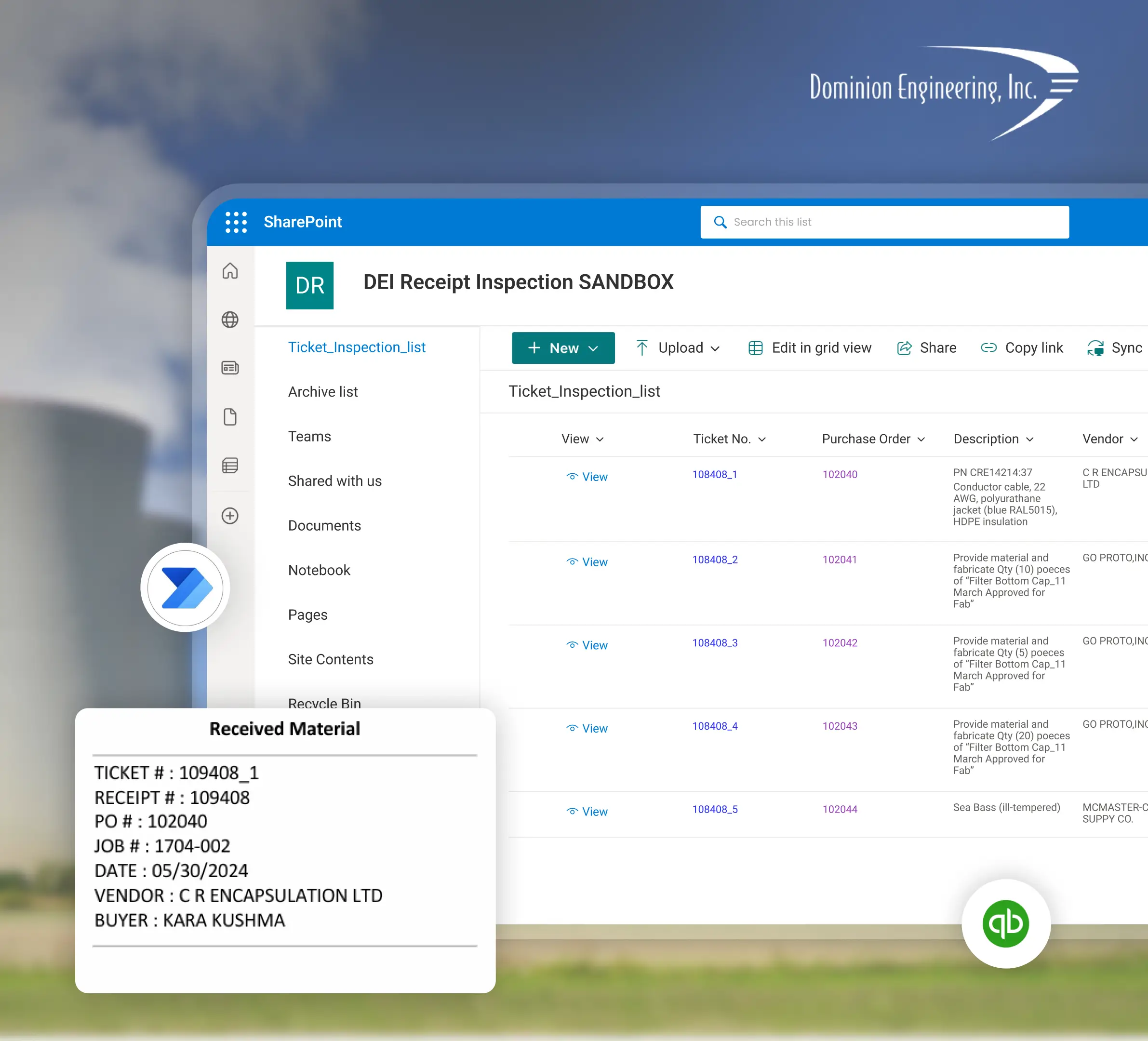
Planning a Dynamics 365 CRM Implementation with Sunflower Lab
Discovery & CRM Audit
We map your current sales and service process, data quality, and where reps are working around the system. For Ohio teams we can run discovery on site from Hilliard, and we pull a sample of past warranty or callback jobs to see where the history was lost.
Data & Process Design
Migration plan, data model, and automation scope, with a fixed-price roadmap before any build starts.
Build & Migrate
Configuration, data migration, and automation built in focused sprints.
Adopt & Scale
Training, adoption support, and ongoing tuning as usage and the Copilot layer grow.
Frequently Asked Questions
Talk to our Dynamics 365 CRM experts
Free 30-minute discovery call. We'll audit your current CRM setup, estimate migration scope, and map out the automation layer.

